
How to Build Custom Gaming PCs

Building your own gaming PC is one of the most rewarding tech projects you can take on. It’s not just about saving money or bragging rights. It’s about crafting a machine that fits your exact needs and style. Whether you want to play the latest AAA titles or stream your gameplay, a custom gaming PC build can deliver power and performance tailored just for you.
I’m here to walk you through the process step-by-step. No jargon, no fluff. Just clear, practical advice to help you build a rig that runs smooth and looks sharp.
Why Choose Custom Gaming PC Builds?
When you buy a pre-built gaming PC, you get convenience but often pay a premium for parts you don’t need or want. Custom gaming PC builds let you pick every component. This means you can focus your budget on what matters most to you, whether that’s a high-end graphics card or a fast SSD.
Plus, building your own PC gives you a better understanding of how your machine works. This knowledge is a lifesaver when it comes to troubleshooting or upgrading later on.
Here’s what you gain with a custom build:
Better value for money: Choose parts that fit your budget and needs.
Upgrade flexibility: Swap out parts easily as new tech comes out.
Personalized performance: Optimize for gaming, streaming, or content creation.
Satisfaction: There’s nothing like booting up a PC you built yourself.
If you want to explore professional help or services related to custom gaming PCs, check out custom gaming pcs for expert support.

Picking the Right Parts for Your Custom Gaming PC Builds
Choosing the right components is the foundation of a great gaming PC. Here’s a quick rundown of the key parts and what to look for:
1. CPU (Processor)
The CPU handles all the calculations and logic. For gaming, a strong CPU ensures smooth gameplay and faster load times. Popular choices include AMD Ryzen 5 or Intel Core i5 for mid-range builds, and Ryzen 7 or Intel Core i7 for high-end rigs.
2. GPU (Graphics Card)
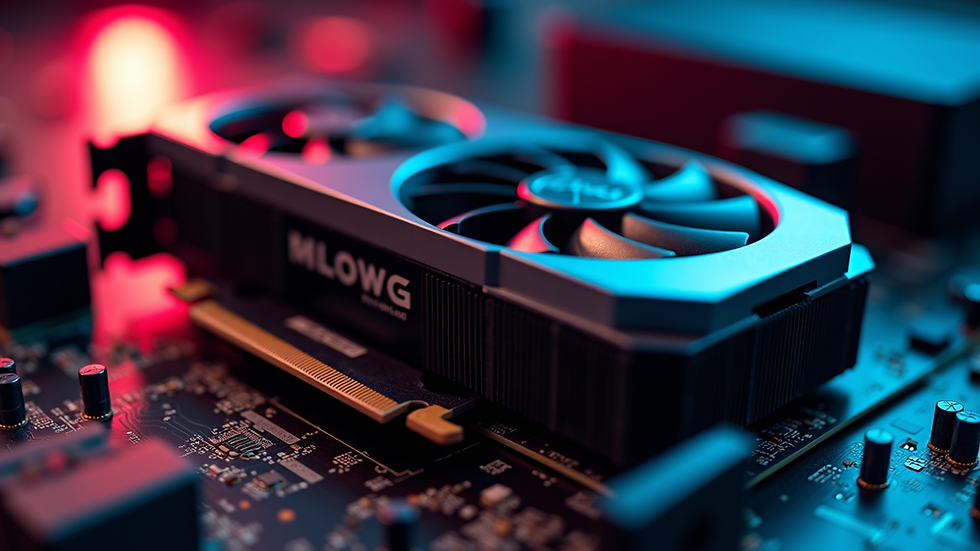
This is the heart of your gaming experience. The GPU renders images and effects. Nvidia’s RTX series and AMD’s Radeon RX series are top picks. Your choice depends on the games you play and your desired resolution and frame rates.
3. RAM (Memory)
Aim for at least 16GB of RAM for modern games. This keeps your system responsive and allows for multitasking, like gaming while streaming or browsing.
4. Storage
A combination of SSD and HDD works best. Use an SSD (at least 500GB) for your operating system and favorite games for fast load times. Add an HDD for extra storage of files and less-used games.
5. Motherboard
Make sure your motherboard supports your CPU and has enough slots for RAM and expansion cards. Features like Wi-Fi, Bluetooth, and USB ports matter too.
6. Power Supply Unit (PSU)
Get a reliable PSU with enough wattage to power your components. Look for 80 Plus certification for efficiency.
7. Case
Choose a case that fits your parts and has good airflow. A roomy case makes building easier and helps keep temperatures down.
8. Cooling
Stock coolers work for many CPUs, but consider aftermarket air or liquid coolers for better performance and quieter operation.
9. Peripherals
Don’t forget a good monitor, keyboard, and mouse. These can make or break your gaming experience.
How Many FPS Can a 700 Dollar PC Run?
If you’re wondering what kind of performance you can expect from a $700 gaming PC, here’s the scoop. Budget builds at this price point can still deliver solid frame rates, especially if you focus on optimizing your parts.
For example, a $700 build might include:
AMD Ryzen 5 3600 or Intel Core i3 12100F CPU
Nvidia GTX 1650 Super or AMD Radeon RX 6500 XT GPU
16GB DDR4 RAM
500GB SSD
With this setup, you can expect:
1080p gaming at 60-75 FPS in most popular titles like Fortnite, Apex Legends, and Valorant.
Medium to high settings in many games, though ultra settings might be out of reach.
Older or less demanding games can run at 100+ FPS easily.
Keep in mind, frame rates vary by game and settings. If you want higher FPS, you might need to tweak graphics settings or invest a bit more in your GPU.
This price point is great for casual gamers or those just starting out. It’s also a solid base to upgrade later.
Step-by-Step Guide to Building Your Custom Gaming PC
Ready to build? Here’s a simple process to follow:
Step 1: Prepare Your Workspace
Find a clean, static-free area with good lighting. Gather your tools - usually just a screwdriver.
Step 2: Install the CPU
Open the CPU socket on your motherboard. Align the CPU correctly (look for the triangle marker) and gently place it in. Lock it down carefully.
Step 3: Add RAM
Insert your RAM sticks into the motherboard slots. They click in when seated properly.
Step 4: Mount the Motherboard
Place the motherboard inside the case and screw it in using the standoffs.
Step 5: Install Storage Drives
Mount your SSD and HDD in their bays and connect them to the motherboard with SATA cables.
Step 6: Install the GPU
Insert the graphics card into the PCIe slot on the motherboard. Secure it with screws.
Step 7: Connect the PSU
Plug in power cables to the motherboard, GPU, storage drives, and fans.
Step 8: Cable Management
Tidy up cables with zip ties or Velcro straps. Good airflow depends on neat cables.
Step 9: Power On and Install OS
Turn on your PC and enter BIOS to check if all parts are recognized. Then install your operating system, like Windows 10 or 11.
Step 10: Install Drivers and Updates
Download the latest drivers for your GPU and motherboard. Update Windows for best performance.

Keeping Your Custom Gaming PC Running Smoothly
Building your PC is just the start. To keep it running well:
Clean dust regularly to prevent overheating.
Monitor temperatures with software like HWMonitor.
Update drivers and software often.
Back up your data to avoid losing important files.
Upgrade parts as needed to keep up with new games.
If you ever run into issues or want expert help, local services like Queen City Tech Solutions are great resources. They specialize in tech repairs and can help keep your gaming rig in top shape.
Your Next Step in Gaming Power
Building a custom gaming PC is a fantastic way to get exactly what you want from your gaming experience. It’s empowering, cost-effective, and fun. Whether you’re aiming for a budget-friendly setup or a powerhouse machine, the process is manageable with the right guidance.
Remember, if you want to explore professional options or need help with repairs and upgrades, custom gaming pcs services are available to support you.
Get ready to enjoy games like never before - with a PC built by you, for you. Happy building!


Comments